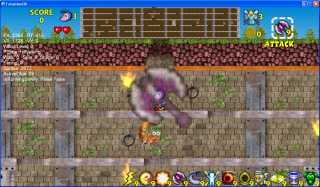
- shows what the composited backgrounds looks like
at runtime
with the game logo and menu text on top of it
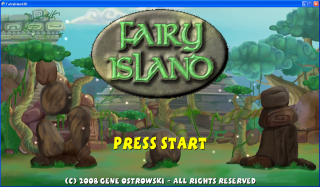
- shows how we use the other backgrounds on other
front-end
screens
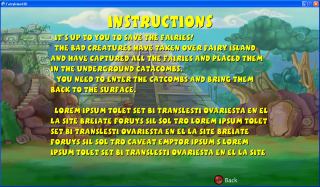
-
The main playfield which scrolls around
- The mini-map at the top of the screen which shows all the monsters
- The marquee which shows the score, men left, game item selected,etc.
- The message area in the middle of the playfield (for game text)
- The row of icons at the bottom of the screen representing the equipped
game items
- (Ignore the debug text the shows up under the score on the top left of the
screenshots)
- shows the main character in his flying mode
- a few monsters
- the game item icons
- a few fairies
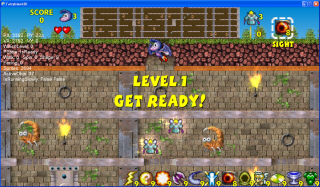
- shows the main character in his standing mode
- a few monsters
- some floating daggers and swords
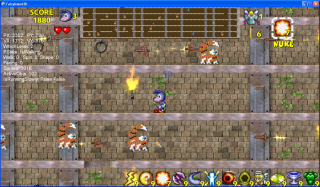
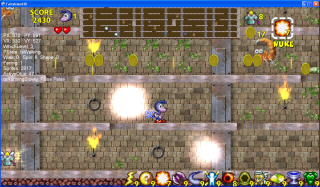
- shows coins bouncing in response to nuking all the
monsters
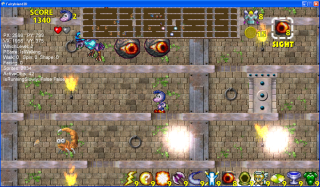
- shows wisps attacking player
- shows a couple of beholders chasing the player
- shows a couple of phoenixes flying by
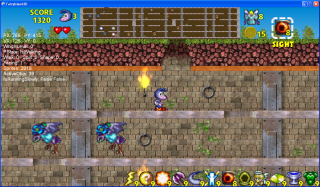
- shows the user highlighting a game item in
preparation for using it
- note the super-scaled icon and half alpha.
- this allows the user to select items without moving his eyes off his
character